




Mastering the Use and Maintenance of Your Vacuum Cleaner
I. Introduction
A vacuum cleaner is an essential household appliance that helps keep our living spaces clean and dust - free. However, to ensure its optimal performance and longevity, proper usage and regular maintenance are crucial. This article will guide you through the key aspects of using and maintaining your vacuum cleaner effectively.
II. Using Your Vacuum Cleaner Correctly
A. Preparation
Check the Area
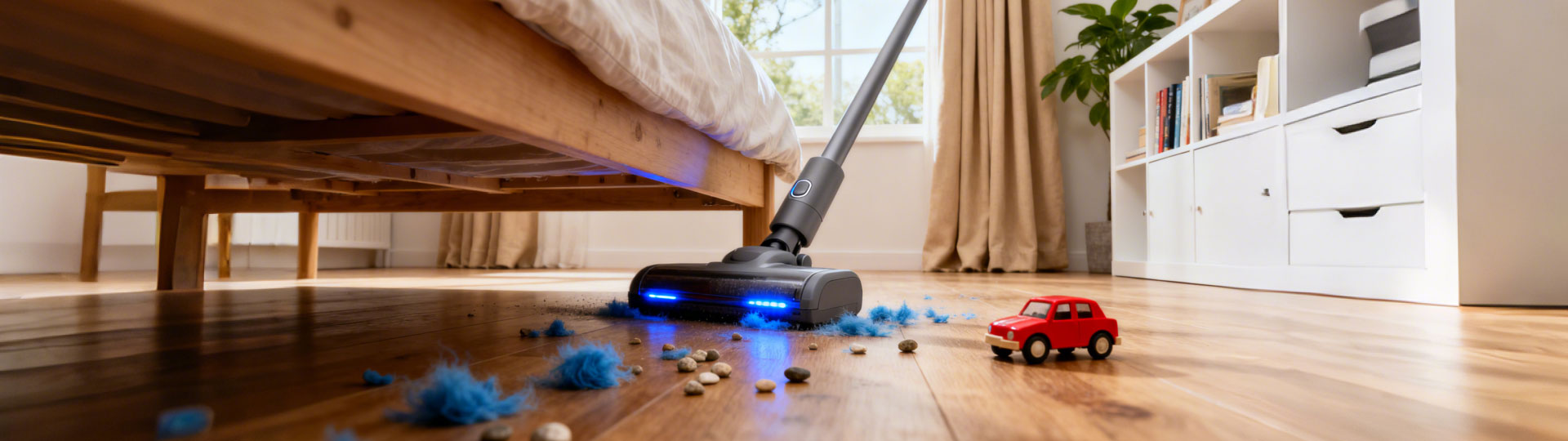
Before starting, clear the floor or surface you intend to clean of large objects such as toys, books, or pieces of furniture. This not only prevents damage to the vacuum cleaner but also ensures better cleaning results. For example, if there are small toys on the floor, the vacuum cleaner's brush may get tangled, and the suction power could be reduced.
Attach the Right Tools
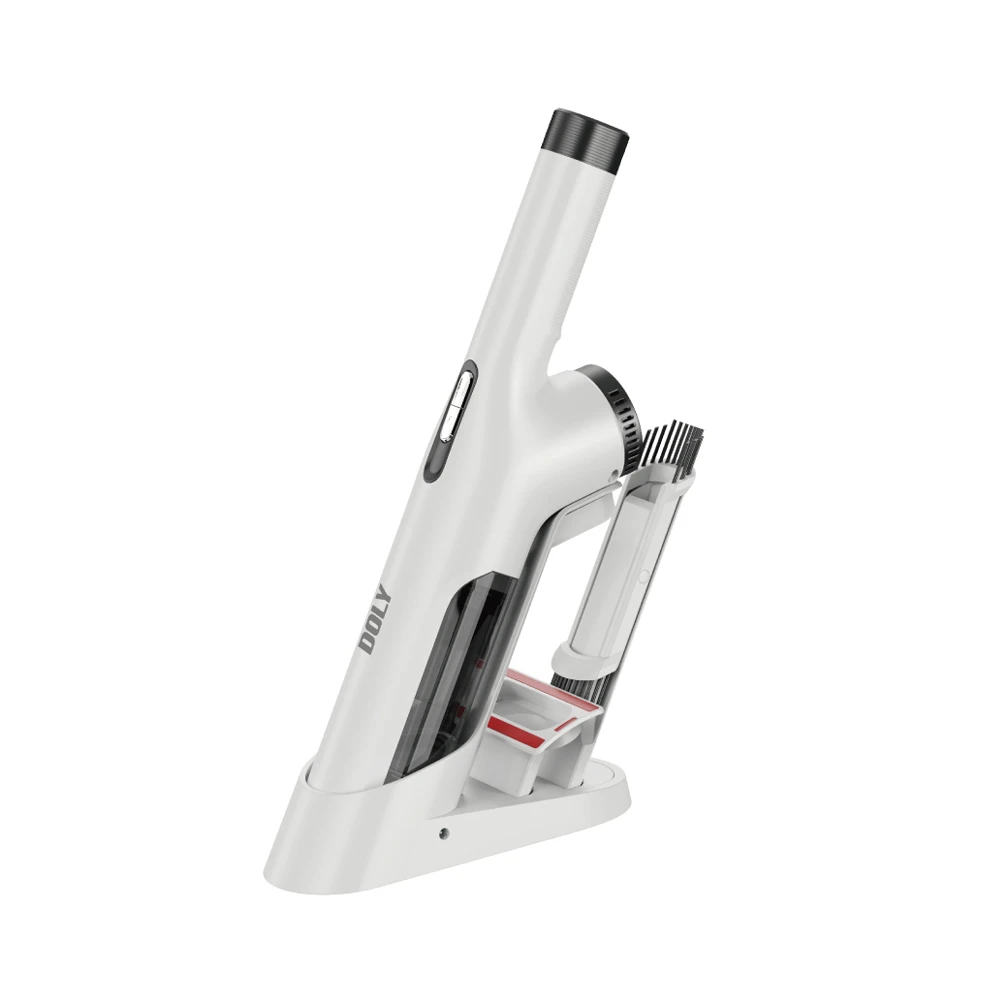
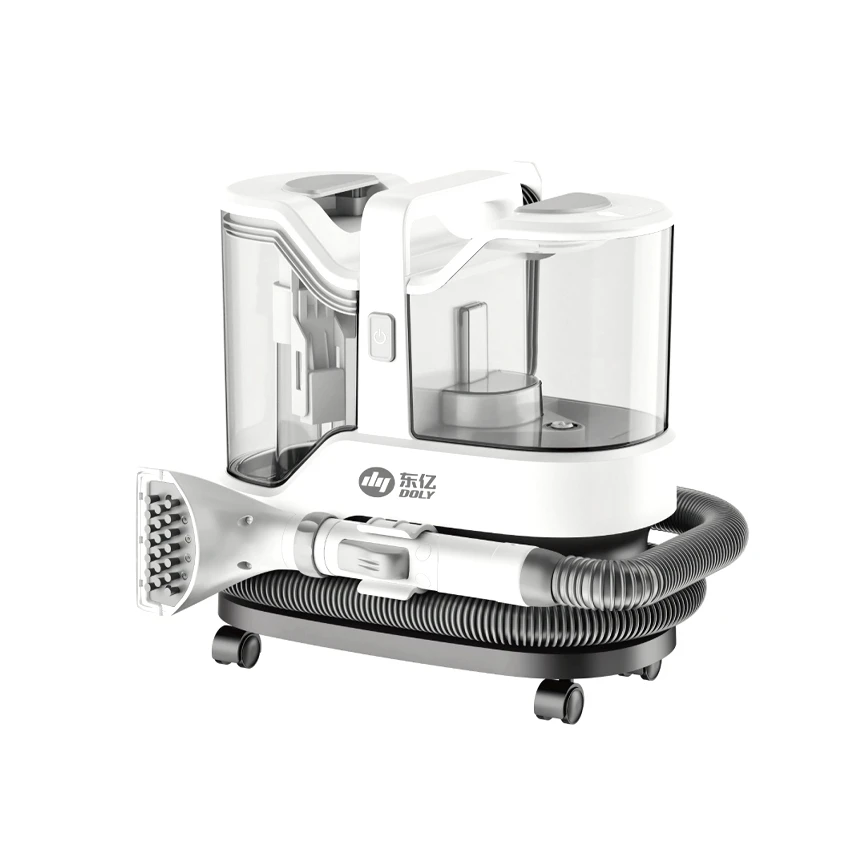
Different vacuum cleaners come with various attachments, such as crevice tools for cleaning corners and edges, upholstery brushes for sofas and curtains, and dusting brushes for delicate surfaces. Select the appropriate attachment based on the cleaning task. If you're cleaning the gaps between the couch cushions, the crevice tool is ideal.
B. Operation
Adjust the Suction Power
Many modern vacuum cleaners have adjustable suction power settings. For lightweight fabrics like curtains or when cleaning delicate items, use a lower suction setting to avoid damaging the materials. On the other hand, for deep - cleaning carpets, a higher suction setting is more effective in removing embedded dirt and debris.
Push and Pull in a Pattern
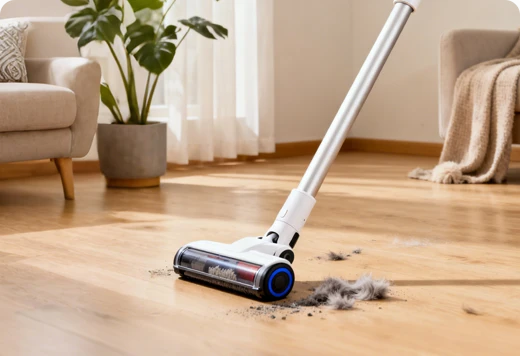
When vacuuming carpets, move the vacuum cleaner in slow, overlapping strokes. This ensures that every part of the carpet is thoroughly cleaned. For hard - floor surfaces, a slightly faster back - and - forth motion can be sufficient. Start from one corner of the room and work your way out to avoid re - walking on the just - cleaned area.
III. Maintaining Your Vacuum Cleaner
A. Regular Cleaning
Empty the Dustbin or Replace the Bag
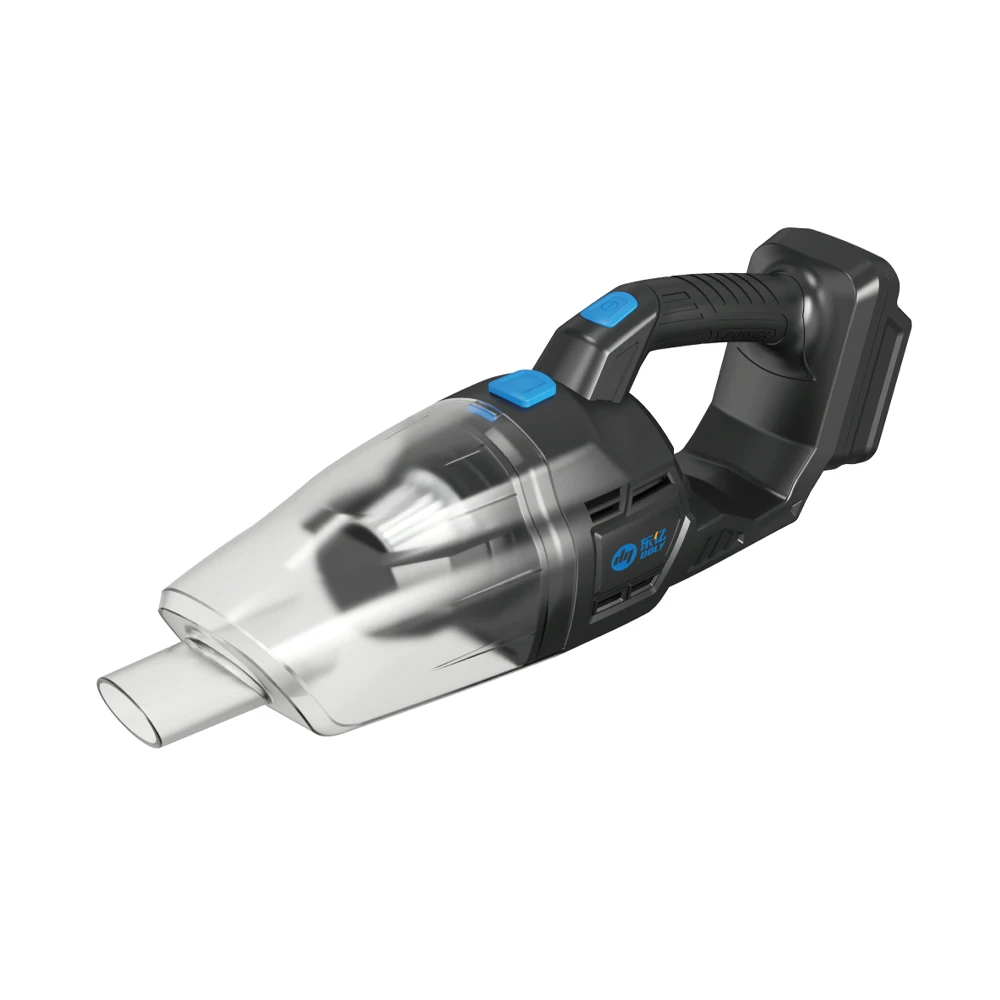
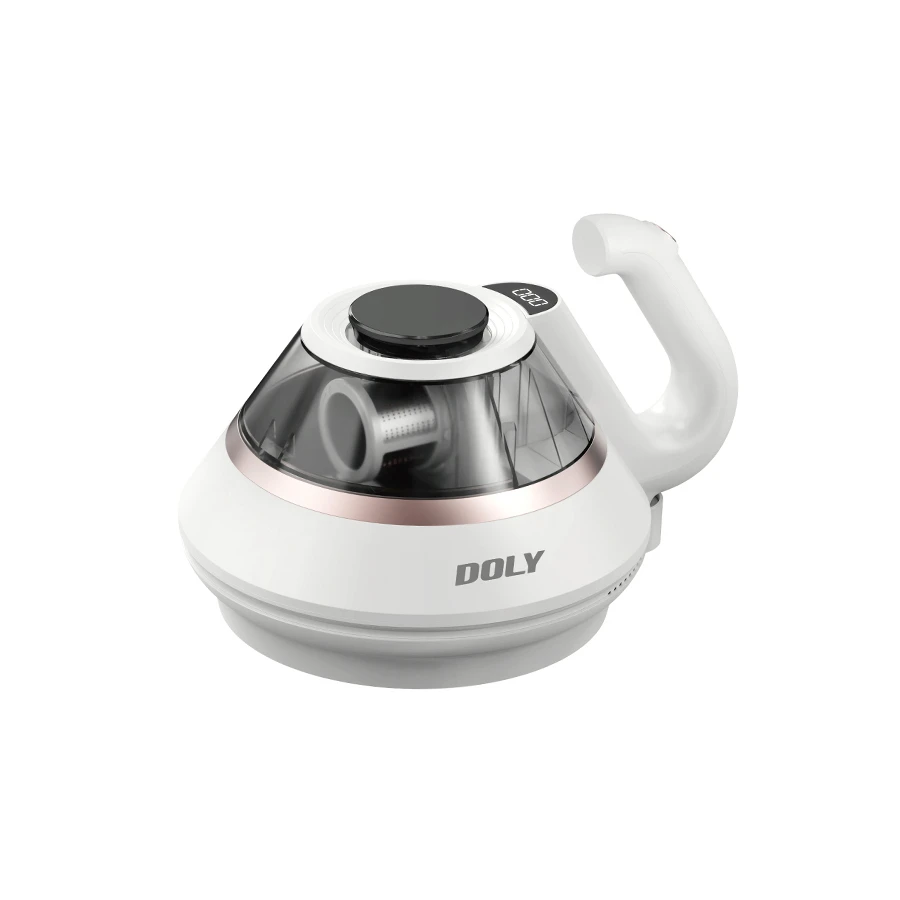
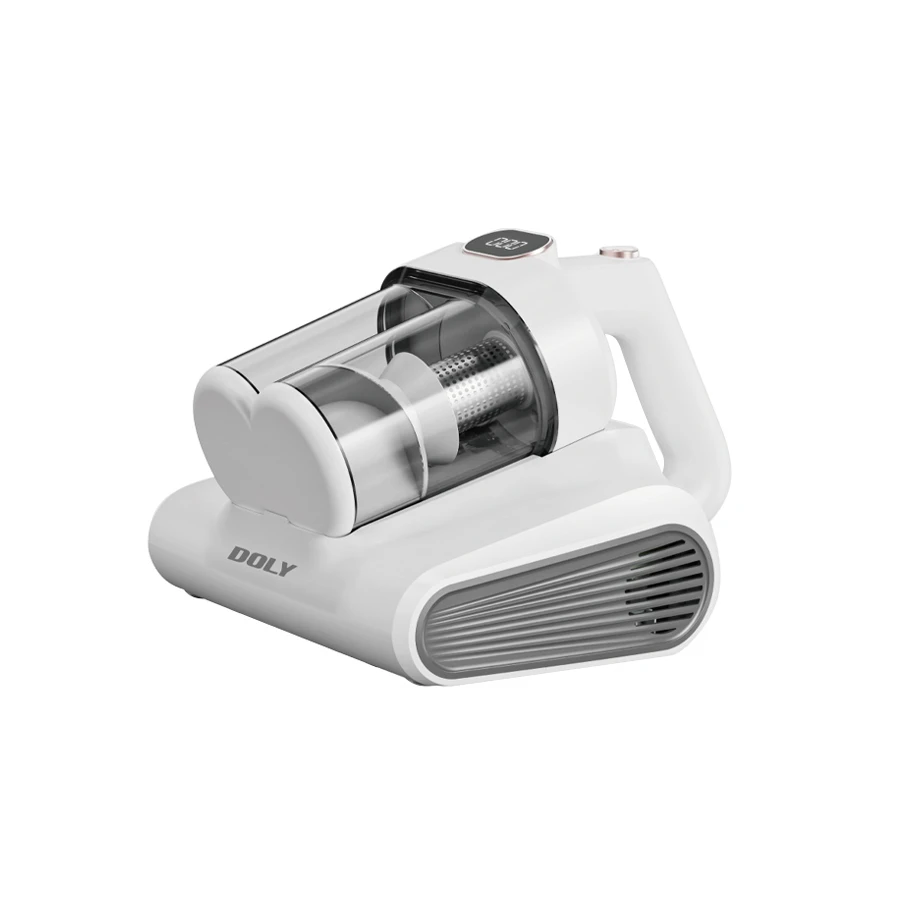
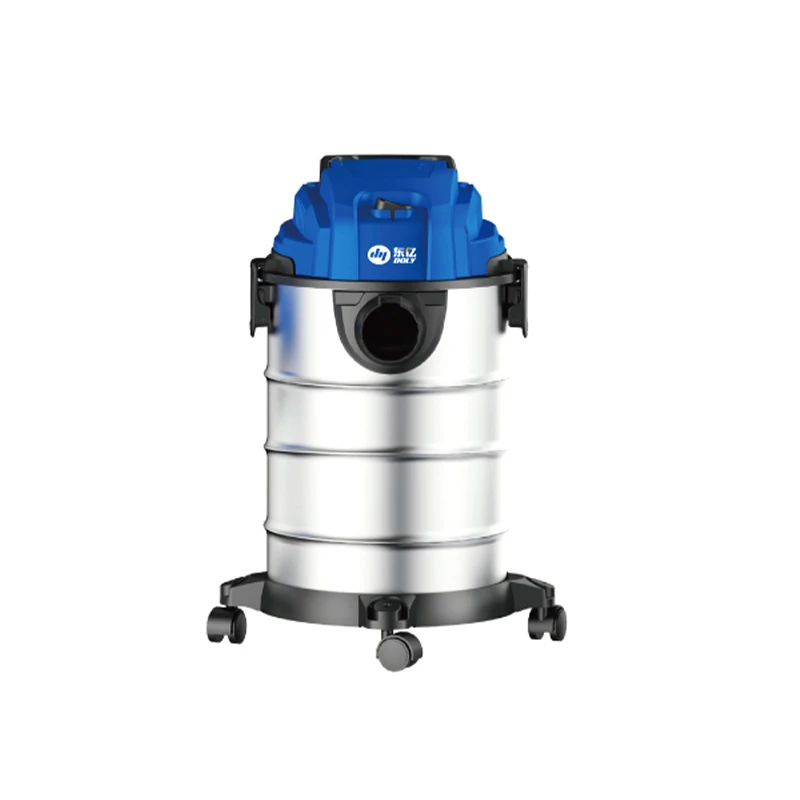
For bagless vacuum cleaners, the dustbin should be emptied after each use or when it reaches the maximum fill line. This prevents the vacuum from losing suction power due to a clogged dustbin. In the case of bag - type vacuum cleaners, replace the bag when it is about two - thirds full. A full bag restricts air flow and reduces the cleaning efficiency.
Clean the Filters
Most vacuum cleaners have filters that trap dust and allergens. Check the user manual to identify the type of filter (HEPA, foam, etc.) and how to clean it. HEPA filters, for example, may need to be gently tapped to remove loose dust or washed according to the manufacturer's instructions. Regularly cleaning the filters helps maintain good suction and also improves the air quality of the room.
B. Periodic Checks
Inspect the Brush Roll
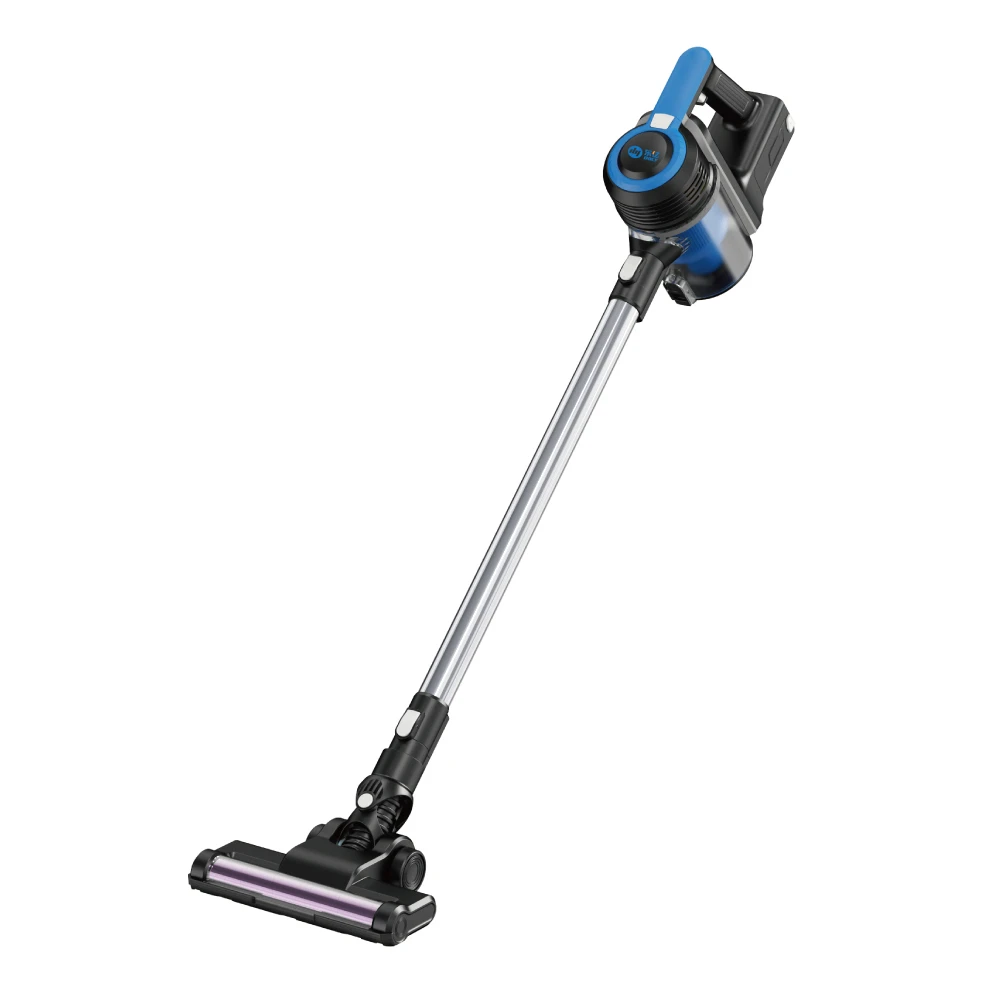
The brush roll is a vital component for cleaning carpets. Over time, hair, strings, and debris can wrap around it. Periodically, turn off and unplug the vacuum cleaner, then remove the brush roll to clean it. Use scissors to carefully cut away any items and ensure the brush roll rotates freely.
Check the Hose and Cord
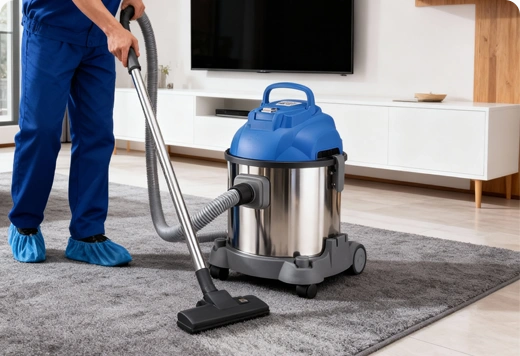
Examine the hose for any signs of blockage or damage. If the hose is blocked, it can significantly reduce suction. You can use a long, thin object like a broomstick to dislodge any blockages. Also, inspect the power cord for fraying or cuts. A damaged cord can pose a safety hazard, so if you notice any issues, replace the cord immediately.
IV. Conclusion
By following these guidelines on how to use and maintain your vacuum cleaner, you can ensure that it continues to provide excellent cleaning performance for years to come. Regular and proper care not only extends the life of your appliance but also helps keep your home clean and healthy. Remember, a well - maintained vacuum cleaner is a key to a spotless living environment.
Previous:No
 Back
Back